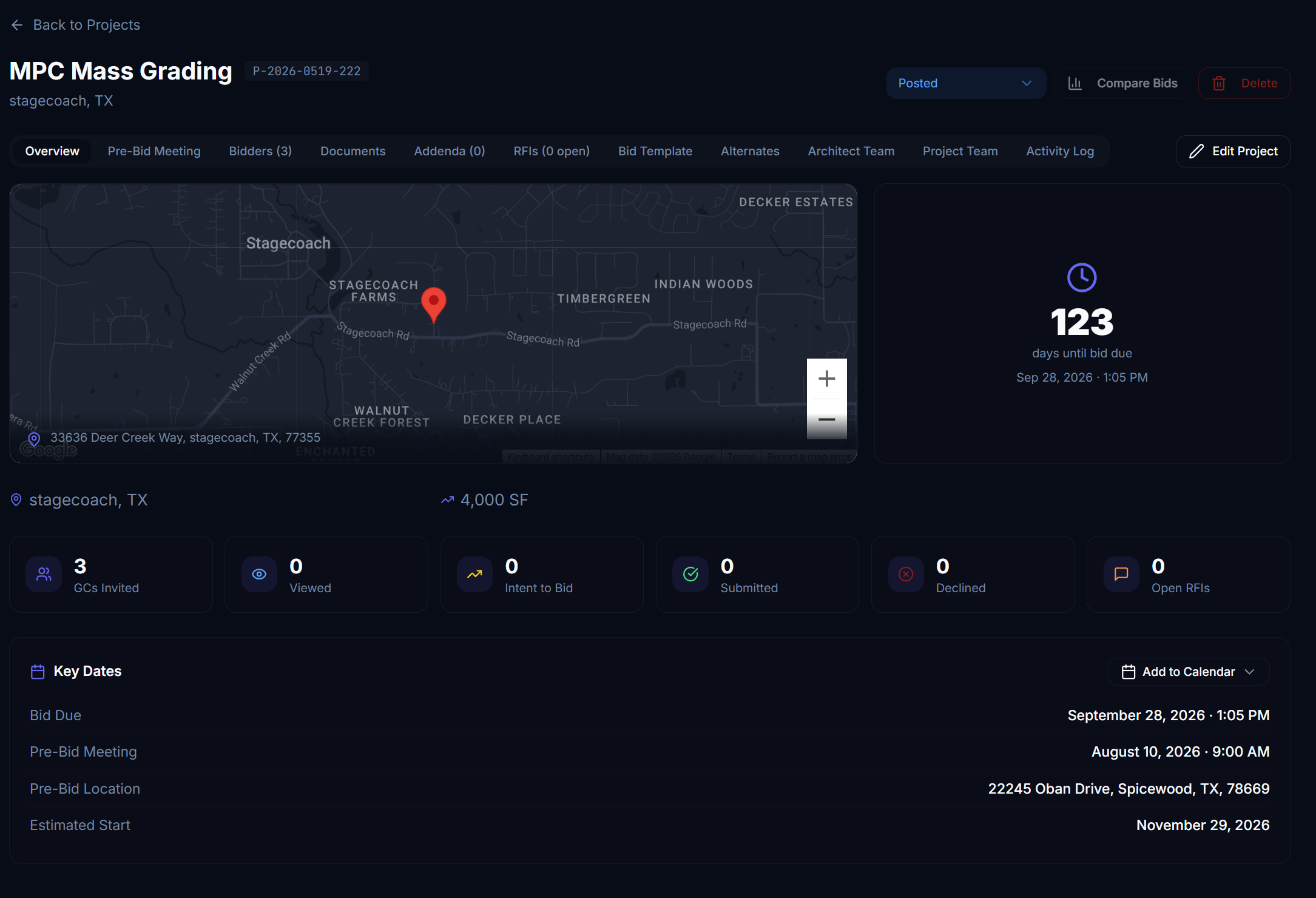
The Process
From project creation to GC invitations, Quanto walks you through every detail in a structured wizard.
Create Your Project
Public or Private Project. Define the project name, type, delivery method, building type, and key dates. Set bid due dates, pre-bid meetings, and site walk requirements — all from a single guided form. Quanto can us Ai to build the project by dropping in your RFP pdf.
Upload Drawings & Specs
Drag and drop architectural drawings, specification documents, addenda, and supplementary files. Quanto organizes them automatically by category for easy GC access.
Build Your Bid Template
Use Quanto's AI-assisted bid template builder to create a structured scope of work organized by CSI MasterFormat divisions. Define line items, units, and quantities — or let the AI extract them from your uploaded documents.
Invite General Contractors
Select GCs from your preferred contractor list or invite new ones by email. Each GC receives a personalized invitation with secure access to the bid package and a deadline for submission.
Key Features
Everything you need to get your bid package in front of the right contractors.
Guided Project Wizard
A multi-step wizard ensures no critical project details are missed, from basics to bid requirements.
Document Management
Centralized storage for drawings, specs, and addenda with version control and permission-based access.
AI Bid Template Builder
Automatically generate CSI-organized bid scopes from your uploaded plans and specifications.
Preferred Contractor Network
Maintain a curated list of trusted GCs with trade capabilities, bonding capacity, and EMR on file.
Bid Alternates & Allowances
Define add/deduct alternates and allowances directly in the bid template for apples-to-apples comparison.
Public Bid Option
Open your project to public bid requests when you want to cast a wider net beyond your invited list.
We use cookies to enhance your experience. By continuing, you agree to our Cookie Policy and Privacy Policy.